Download the full Quick Access Panel overview
Put the actions adjusters use most in one-click range.
Adjusters juggle texts, emails, file notes,tasks, and constant claim updates (just toname a few) all throughout the lifecycle ofone claim. When every move requiresleaving the file, all that information getsscattered to the winds. Multiply it by 20claims, and now your adjusters arespending most of their day just trying totrack it all down.
The Quick Access Panel puts the actions adjusters use daily directly intotheir unified view. Log a file note, send a letter or text, manage emails andtasks, and monitor claim and exposure statuses from a single tab.

Stay in the file
Add notes, send communications, and manage tasks without opening a new window.

Act at the right level
Log notes, policyholder communications, and vendor updates to both the full claim and the right individual exposure.

Turn conversations into tasks
A follow-up toggle on a note, email, or text automatically generates a scheduled task to avoid missed deadlines or lapses in communication.

Get a fast look at claim activity
The QAP gives quick visibility into open and completed tasks, recent claim activity, and active workflows statuses so where a claim stands is evident in seconds.
.png)
.png)
.gif)
Send an Email
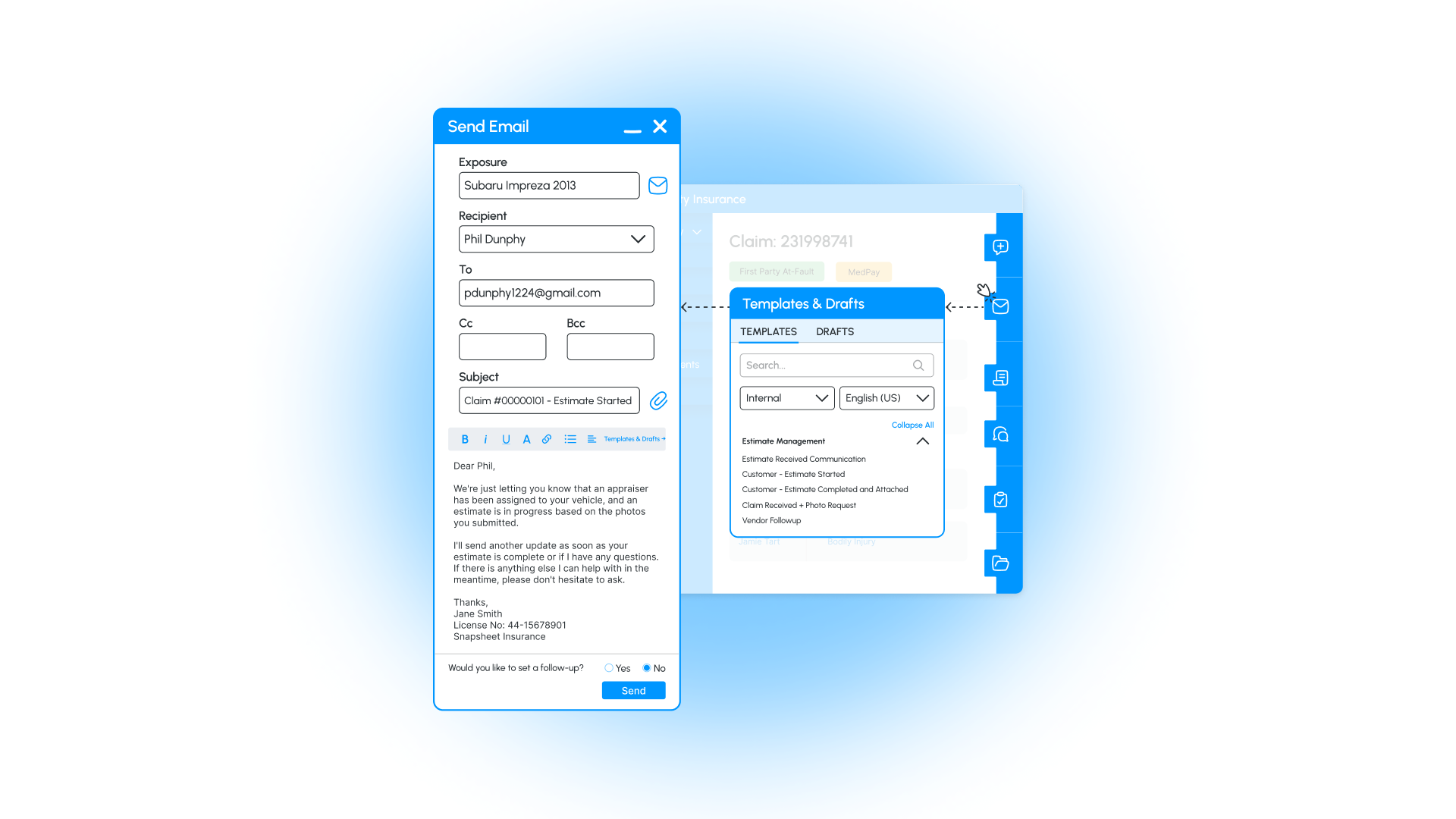
Send emails directly from the claim view. Draft messages on demand or create and store templates for common use cases.
Mail a Letter
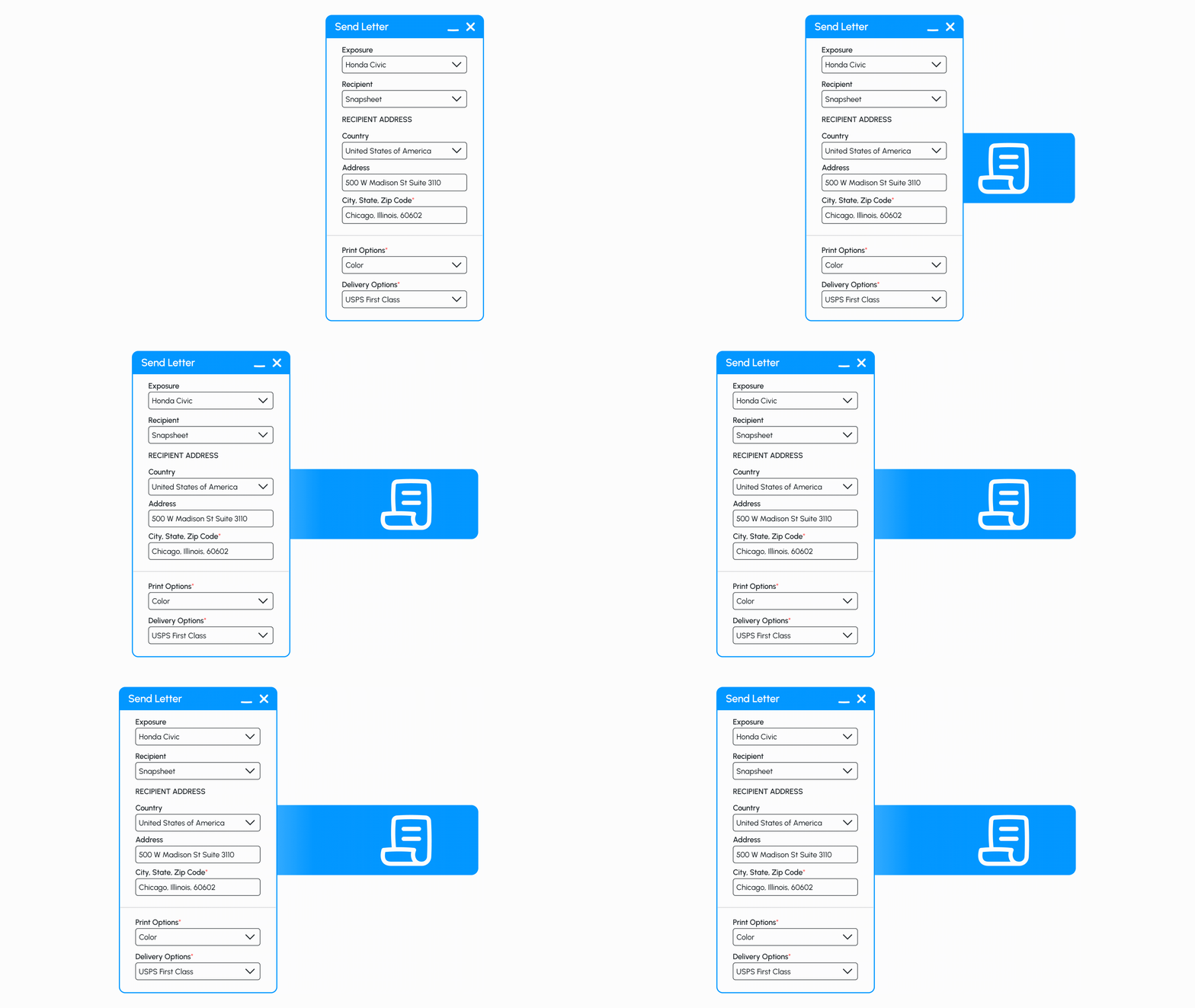
Launch preconfigured SmartComm letter templates and pick up saved drafts without losing progress.
Add a note
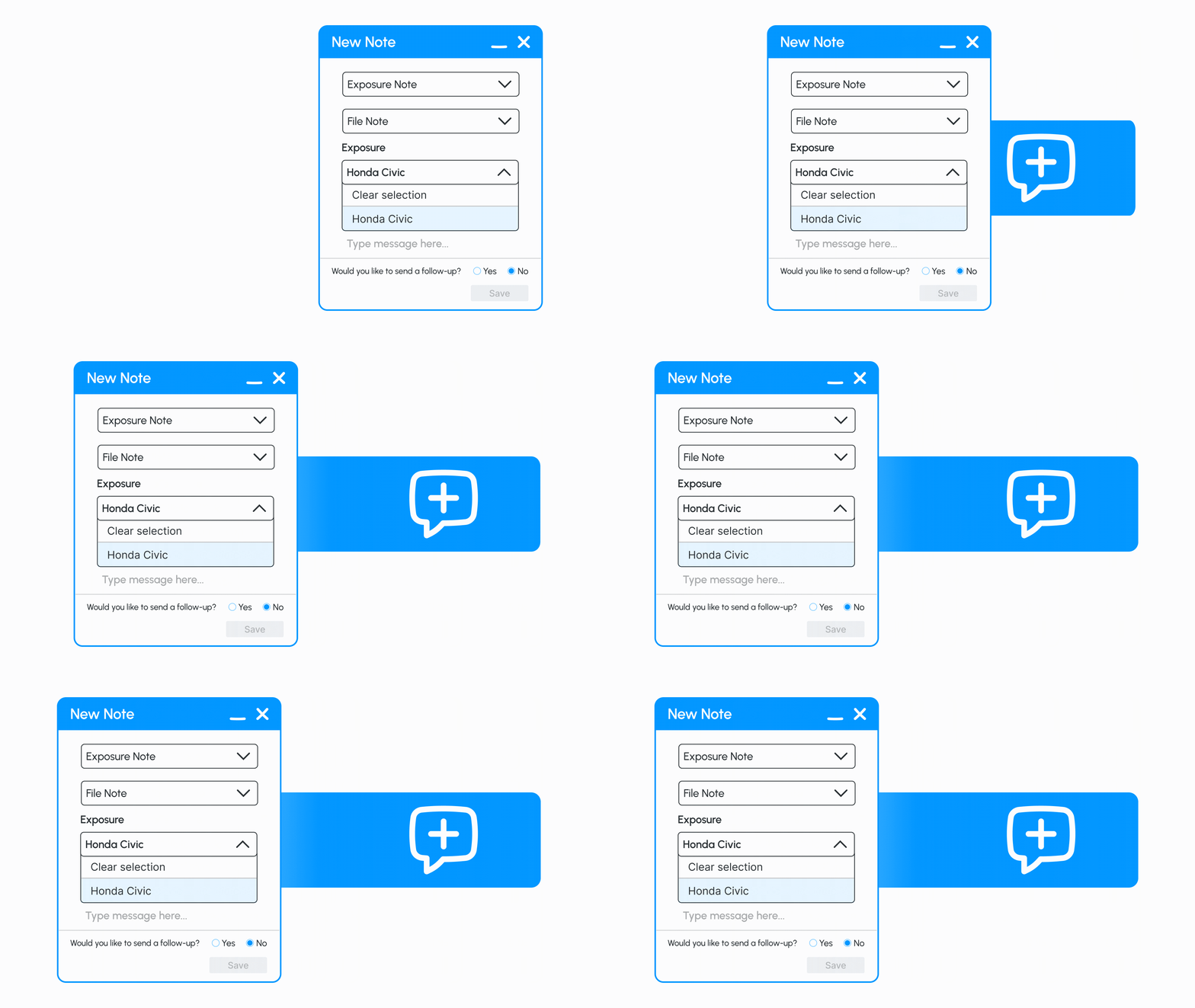
Log a call, update, or note of context to a claim or exposure, and tag who's involved.
.webp)